

Termsheep Cloud is coming soon.Cloud is coming soon.Join the waitlist →
Open source · Self-hosted · Cloud (Coming soon)

Your servers.Your agents.One herd.

SSH client, encrypted team vault and access approvals in one product. People and AI agents request time-limited access, a person approves, and it ends on its own.

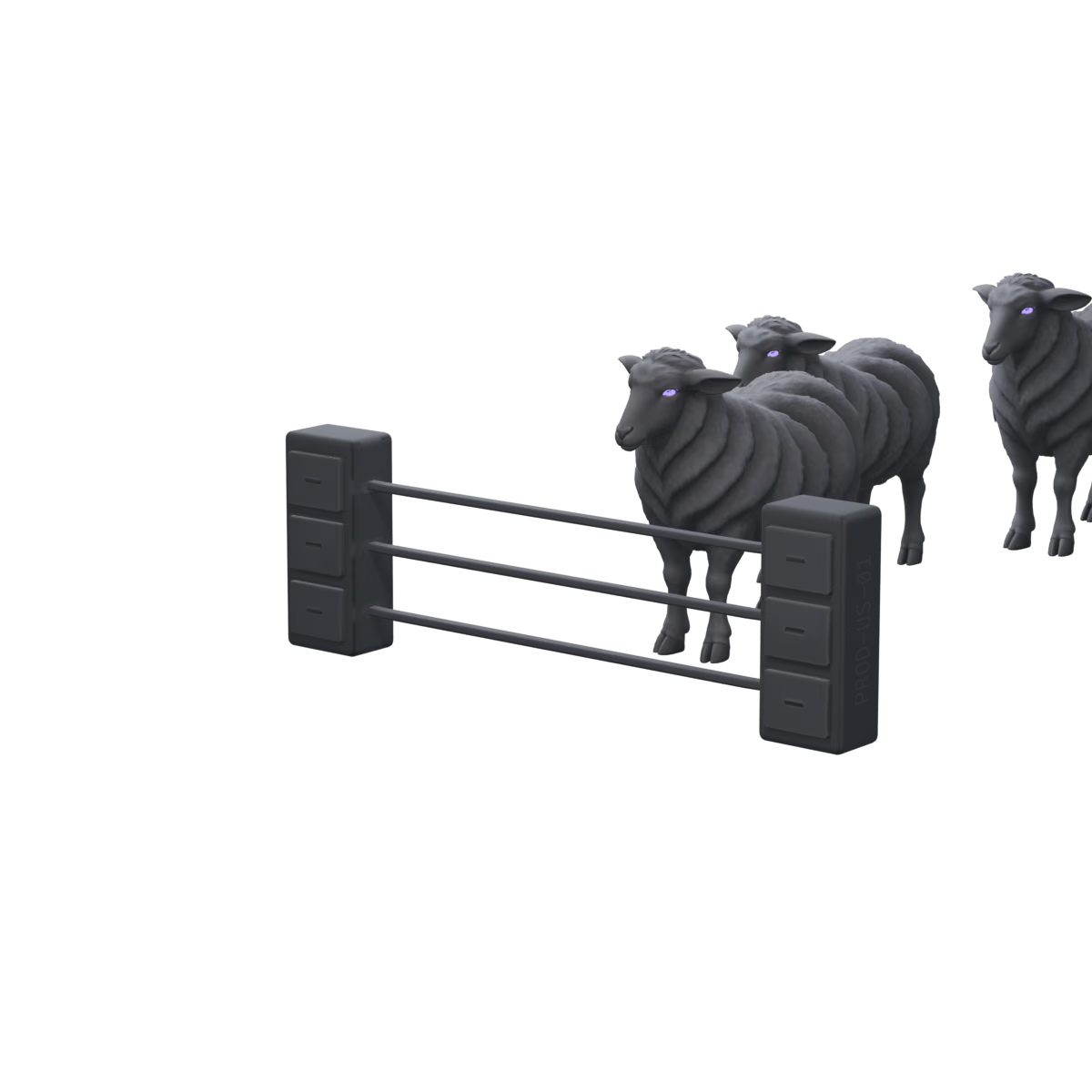
Sheep jumping over a fence made of server racks
Product

SSH access, thought through from start to finish.

Instead of an SSH client, a password manager and a chat thread asking who can get on which server: one product you host yourself, for people and for AI agents.

Desktop review of deploy-agent’s pending one-hour request to connect to web-01 as Web deploy
Reviewing an agent’s request

Connections

Terminal, SFTP, port forwarding and jump hosts in one desktop app, with your hosts, keys and snippets organized beside them.

  • →Host groups, tags and jump hosts
  • →SSH key generation and import
  • →Shared host keys across the team
  • →Snippets with variables, versions and review

Teams

Share vaults instead of passwords in chat. Access is requested with a reason, approved by the people you choose, limited in time and written to the audit log.

  • →Shared vaults, roles and time-limited access
  • →Access requests with one approver group in Community
  • →Two-factor sign-in in every plan
  • →Audit log in every plan

Agents

AI agents are members with their own identity, not a shared login. They ask for access through MCP, work inside what was granted, and appear in the audit log like everyone else.

  • →Agent identities, keys and API tokens
  • →Host access limited by vault permissions
  • →Access requests with recorded decisions
  • →Agent actions in the audit log

Web console

Harbor Labs demo. Approvals are signed in the desktop app; the web console can request, deny and withdraw.

Priya Nair and deploy-agent each request time-limited access to a host. The list marks deploy-agent as AI AGENT.
Pending access requests
Open request from deploy-agent with host and vault references, the Connect permission, a one-hour duration, and the reason for access.
Reviewing a request
AI agents list showing deploy-agent and Mara Lind as the responsible person
AI agents as members
Production approvals group with a two-vote threshold and fields for approvers
Approver group
Harbor Labs audit log with activity filters and event rows
Audit log
01Connections

Everything you connect to, in order.

Group hosts by environment and role. A host key is trusted once for the whole team, and an unknown or changed key stops the connection. Snippets come with variables, versions, a second-person review and a confirmation for risky commands.

Desktop host editor for web-01 with Web deploy selected as the SSH identity
02Teams

Access that is requested, approved and over.

Access doesn’t have to be permanent. A teammate asks for access to a host with a reason and a duration. Authorized people decide, and the grant expires on its own. OIDC is allocated to Business, with SAML and SCIM in Enterprise. Both plans are planned. Two-factor sign-in and recovery are in every plan.

Production vault roster showing members, roles and deploy-agent’s responsible person
03Agents

Agents ask first.

An agent requests a host through MCP, waits for the decision, works inside the grant and hands it back. A person approves in the desktop app. The request and the decision are on record.

Connect an AI agent through the local MCP broker
Desktop access review showing the Web deploy identity, the reason for deploy-agent’s request for web-01, and the approval controls
Clients

One server for your devices.

The desktop app and the CLI run on macOS, Windows and Linux. Hosts, keys, snippets and team vaults sync encrypted.

  • →End-to-end encrypted sync across devices
  • →MCP for agents on their own machines
  • →Mobile apps planned
  • →1Password and other password managers: coming soon
Termsheep server
Docker · server.example.org
From source
macOS
Windows
Linux
CLI
iOSPlanned
AndroidPlanned
Agents · MCP
REST API
Security

Control stays with you.

Termsheep runs where your servers run. You decide who gets in, for how long, and what they can do there.

What zero-knowledge sync protects
The first connection to web-02 shows a host-key fingerprint and a trust promptChanged host-key warning for web-02 with the saved and newly presented fingerprints
Changed host keys stop the connection
/self-hosted

Your infrastructure

Server and database run where you run them.

/vault

Encrypted on your device

Vault entries are encrypted before they sync; the server stores ciphertext.

LimitThe server sees metadata such as account details and request reasons.

/identity

Sign-in

Two-factor sign-in and recovery in every plan. Your password unlocks the vault; single sign-on does not.

/scopes

Requests and expiring access

Access is requested, approved and ends on its own.

LimitAn SSH session that is already open can outlast revocation.

/audit

Audit trail

Requests, decisions and changes are in the organization’s audit log.

Found a vulnerability? [email protected] · Security policy

Get started

Bring the herd home.

Start the server with Docker Compose and bring your team, your agents and your connections together. Open source, and yours to run.